
How to Merge, Split and Compress PDFs for Free (No Software Needed)
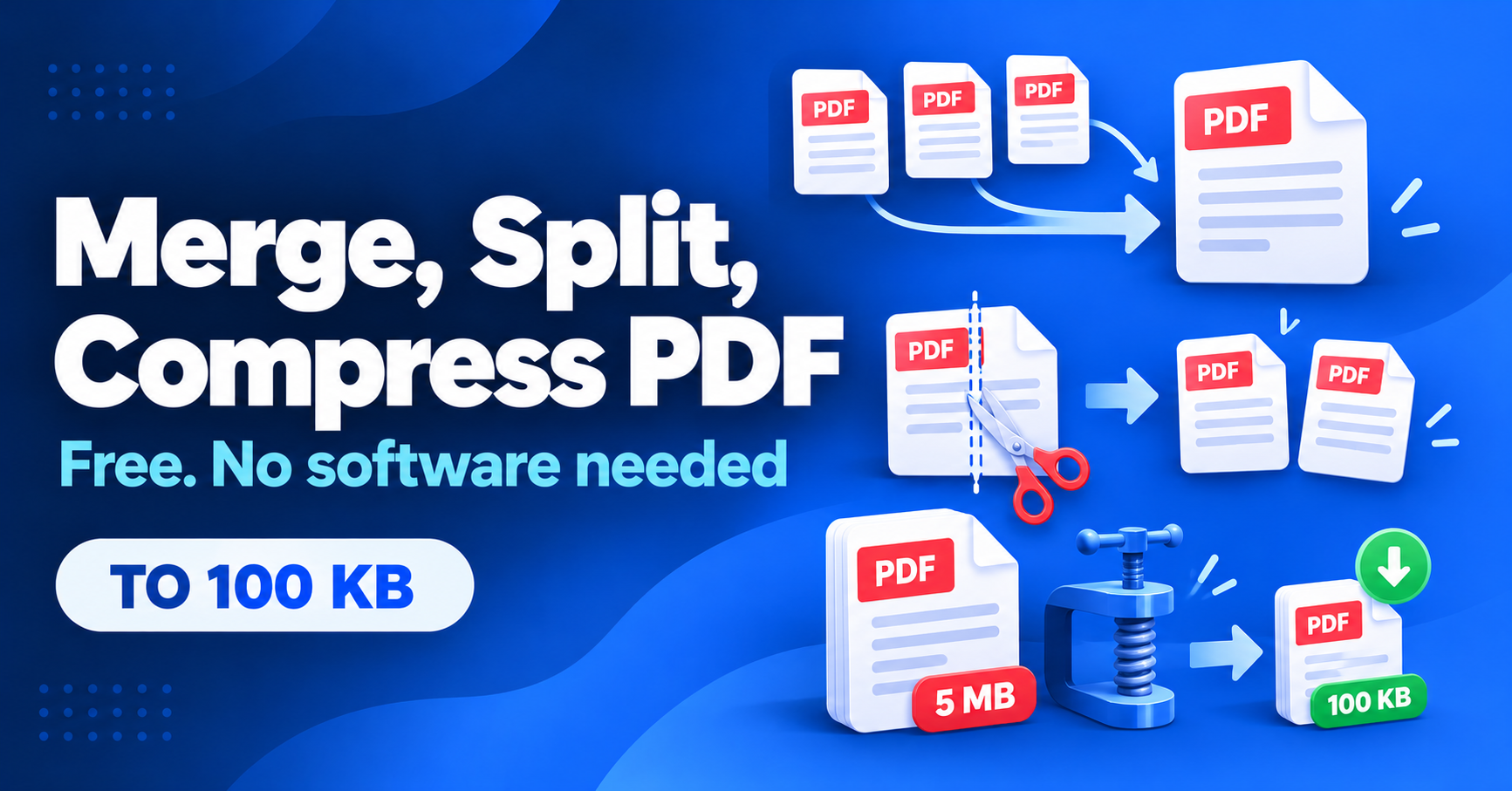
Government and exam portals often accept only one PDF under a strict size, such as 100 KB, while your documents are scattered across several big files. You do not need to install anything to fix that. This guide shows how to merge, split and compress PDFs for free and how to reach a target size without making the text unreadable.
Merge, split or compress: which do you need?
Merge
Combine several files, such as Aadhaar, marksheet and photo, into one PDF in the right order.
Split
Pull out only the pages you need from a long document.
Compress
Reduce the file size so it fits the upload limit.
Typical size limits on online forms
Every portal sets its own limits, so always read the instructions on your form. These are common examples:
| Upload | Common limit | Format |
|---|---|---|
| Photograph | 20–50 KB | JPG |
| Signature | 10–20 KB | JPG |
| ID or address proof | 100–500 KB | PDF or JPG |
| Marksheets and certificates | 200 KB–2 MB |
Quick size helper
How much do I need to shrink?
How to merge, split and compress (without software)
- Use a browser-based tool that works on your device. Your files should not be uploaded to a server. This matters for ID documents.
- Merge: add your files, drag them into the right order and combine them into one PDF.
- Split: choose the page range or the individual pages you want to keep.
- Compress: choose a target size or a lower quality level. Start with a light reduction and go lower only if needed.
- Check the result. Open the PDF, zoom in and make sure names, numbers and stamps are still readable.
- Keep the original. Save the compressed version under a new name.
Tips to reach 100 KB without ruining quality
- Scan at a lower resolution. 150 to 200 DPI is usually enough for forms. 600 DPI makes files huge.
- Use black and white or greyscale for text documents. Colour is rarely needed.
- Crop the borders. Removing blank edges and shadows saves space.
- Remove unneeded pages before compressing.
- Avoid compressing twice. Each pass lowers quality. Always compress from the original.
Frequently asked questions
Is it safe to use online PDF tools?
Prefer tools that process files in your browser. Avoid sites that upload your Aadhaar or PAN to unknown servers.
Why is my PDF still too large?
Scanned pages are images and stay large. Lower the scan resolution, use greyscale or compress at a stronger level.
Can I compress images to an exact KB size?
Yes. Many tools let you set a maximum size in KB for JPG photos and signatures.
Need these tools in your shop?
CyberCafe includes free browser-based tools to merge or split PDFs, make passport photos and compress images to an exact size.
See the CyberCafe tools →Also read: how to make passport photos at home.
Size limits and accepted formats are set by each portal. Always follow the instructions on your form.
Comments
No comments yet. Be the first to share your thoughts.
Leave a Comment
Related Posts
Why Cyber Cafes Are Struggling in 2026 (and 10 Ways to Grow Yours)
Why is the cyber cafe business struggling in India? Learn the real reasons, 10 practical ways to grow, a free break-even calculator and a tool to run your shop.

Diwali 2026 Website Deals: Domain, Hosting and Business Email for Your Business (BigRock Buying Guide)
Planning to launch your business website this Diwali? See what to buy, how to compare domain, hosting and email deals, and check BigRock’s live offers. Free 3-year cost calculator inside.
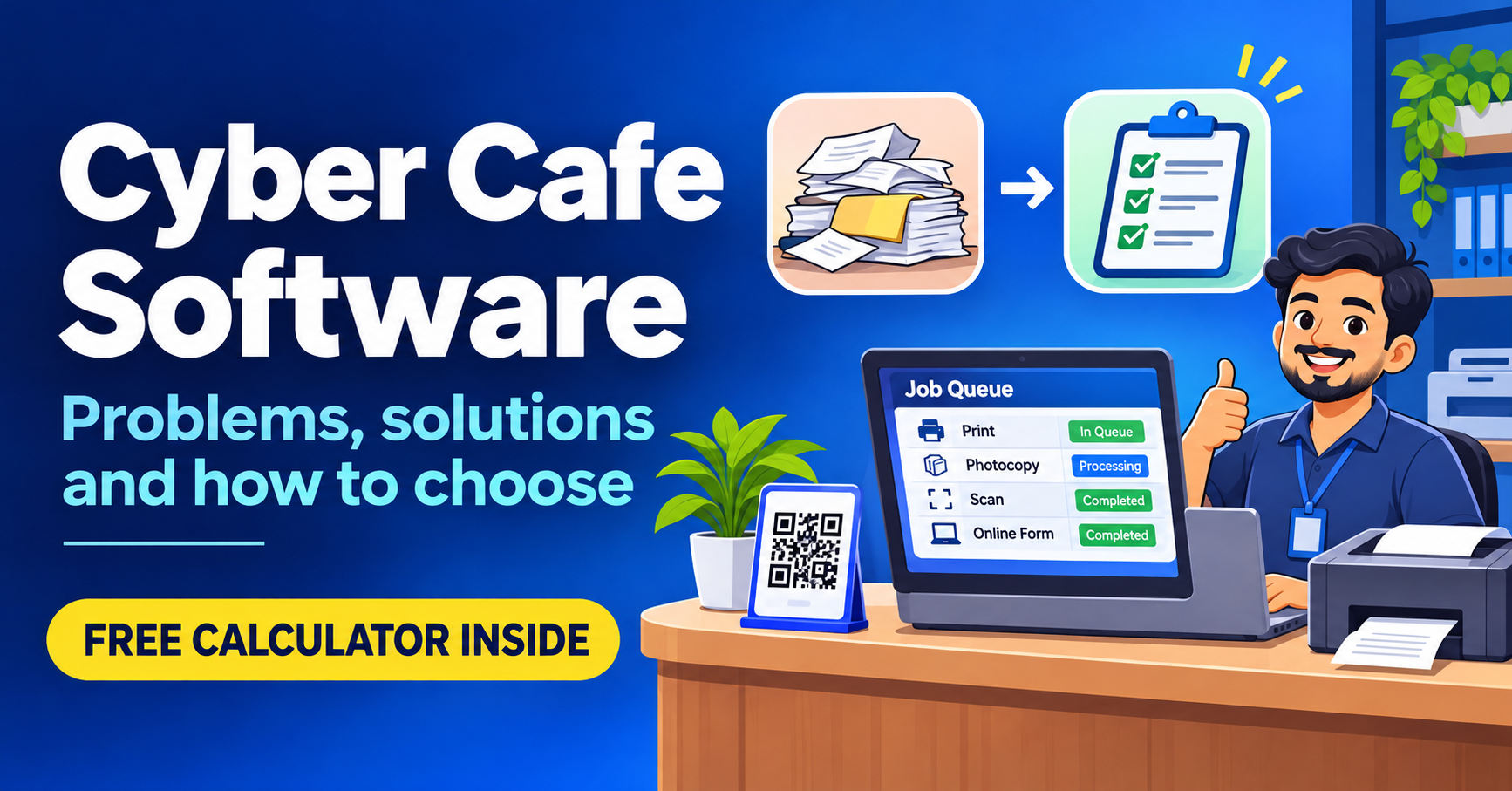
Cyber Cafe Management Software in India (2026): Common Problems, Solutions and How to Choose
Struggling with lost documents, repeated typing and queue fights? See the 6 biggest cyber cafe problems, how to fix them, and how to choose management software. Free calculator inside.
Need a system like this for your business?
Tell us what you're working with today and we'll show you what a custom system could look like — no obligation.