
How to Make Passport Size Photos at Home for Any Form
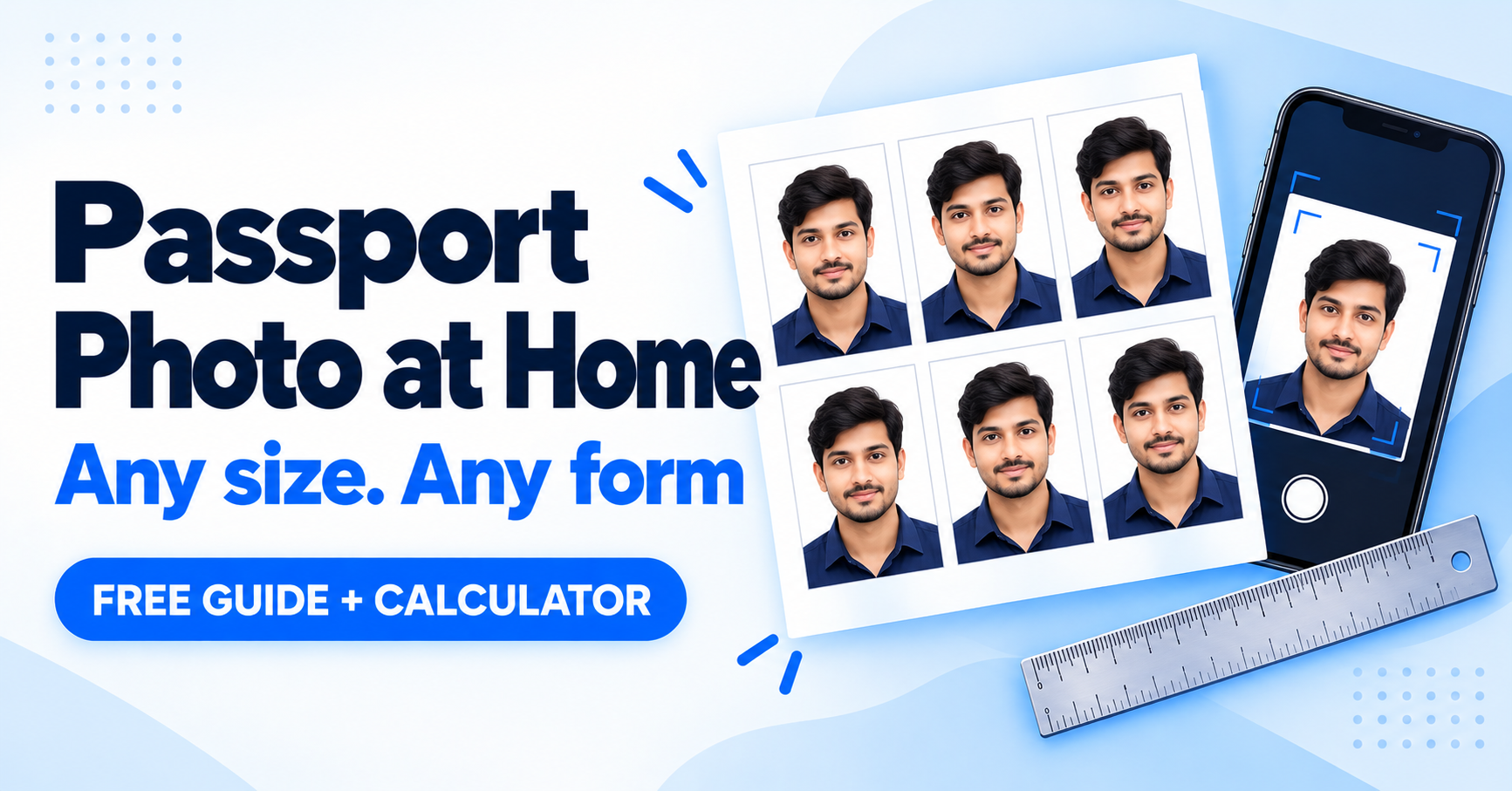
Studio photos cost money and take time. You can make a passport size photo at home with just a phone and a plain wall, then resize it for any online form. This guide covers the standard sizes, a pixel calculator and a step-by-step method.
Common photo sizes
| Use | Size (mm) | Size (inches) |
|---|---|---|
| Passport, most ID cards and many exam forms | 35 × 45 mm | 1.4 × 1.8 in |
| Some visas and OCI applications | 51 × 51 mm | 2 × 2 in |
| Stamp size (some college and exam forms) | 20 × 25 mm | 0.8 × 1 in |
Each application has its own rules for size, background and file size, so always check the instructions of your form.
Pixel calculator
Online forms often ask for a size in pixels. Enter the printed size and the resolution to find it.
Millimetres to pixels
Make a passport photo in 6 steps
- Pick a plain light wall with soft daylight. Avoid shadows behind you and harsh light on your face.
- Take the photo straight on at eye level, from about an arm's length. Keep a neutral face, mouth closed and ears visible.
- Crop to the right ratio. Your face should fill most of the frame, with the head centred.
- Set the size in millimetres or pixels, using the calculator above.
- Save as JPG and compress to the file size the form asks for, such as 50 KB.
- Print on a 4 × 6 inch sheet with several copies if you need paper photos.
Rules that cause rejections
Plain background
White or light, with no patterns or shadows.
Clear, front-facing face
No tilt, hats or sunglasses. Glasses only if there is no glare.
Sharp and recent
No filters or heavy editing, and taken within the last few months.
Frequently asked questions
How many photos fit on a 4 × 6 inch sheet?
About six photos of 35 × 45 mm fit, in two columns and three rows, with small gaps for cutting.
Can I use a phone selfie?
You can, but a photo taken by someone else at eye level usually looks better and avoids distortion.
What DPI should I use?
Use 300 DPI for printing. For online uploads, follow the pixel and KB limits on the form.
Need passport photos in bulk?
CyberCafe has a free in-browser tool for passport photos and print sheets, plus an image compressor for exact KB limits.
Try the CyberCafe tools →Also read: how to merge, split and compress PDFs.
Photo requirements differ between applications and change over time. Follow the official instructions for your form.
Comments
No comments yet. Be the first to share your thoughts.
Leave a Comment
Related Posts
Why Cyber Cafes Are Struggling in 2026 (and 10 Ways to Grow Yours)
Why is the cyber cafe business struggling in India? Learn the real reasons, 10 practical ways to grow, a free break-even calculator and a tool to run your shop.

Diwali 2026 Website Deals: Domain, Hosting and Business Email for Your Business (BigRock Buying Guide)
Planning to launch your business website this Diwali? See what to buy, how to compare domain, hosting and email deals, and check BigRock’s live offers. Free 3-year cost calculator inside.
Cyber Cafe Management Software in India (2026): Common Problems, Solutions and How to Choose
Struggling with lost documents, repeated typing and queue fights? See the 6 biggest cyber cafe problems, how to fix them, and how to choose management software. Free calculator inside.
Need a system like this for your business?
Tell us what you're working with today and we'll show you what a custom system could look like — no obligation.