
Why Cyber Cafes Are Struggling in 2026 (and 10 Ways to Grow Yours)
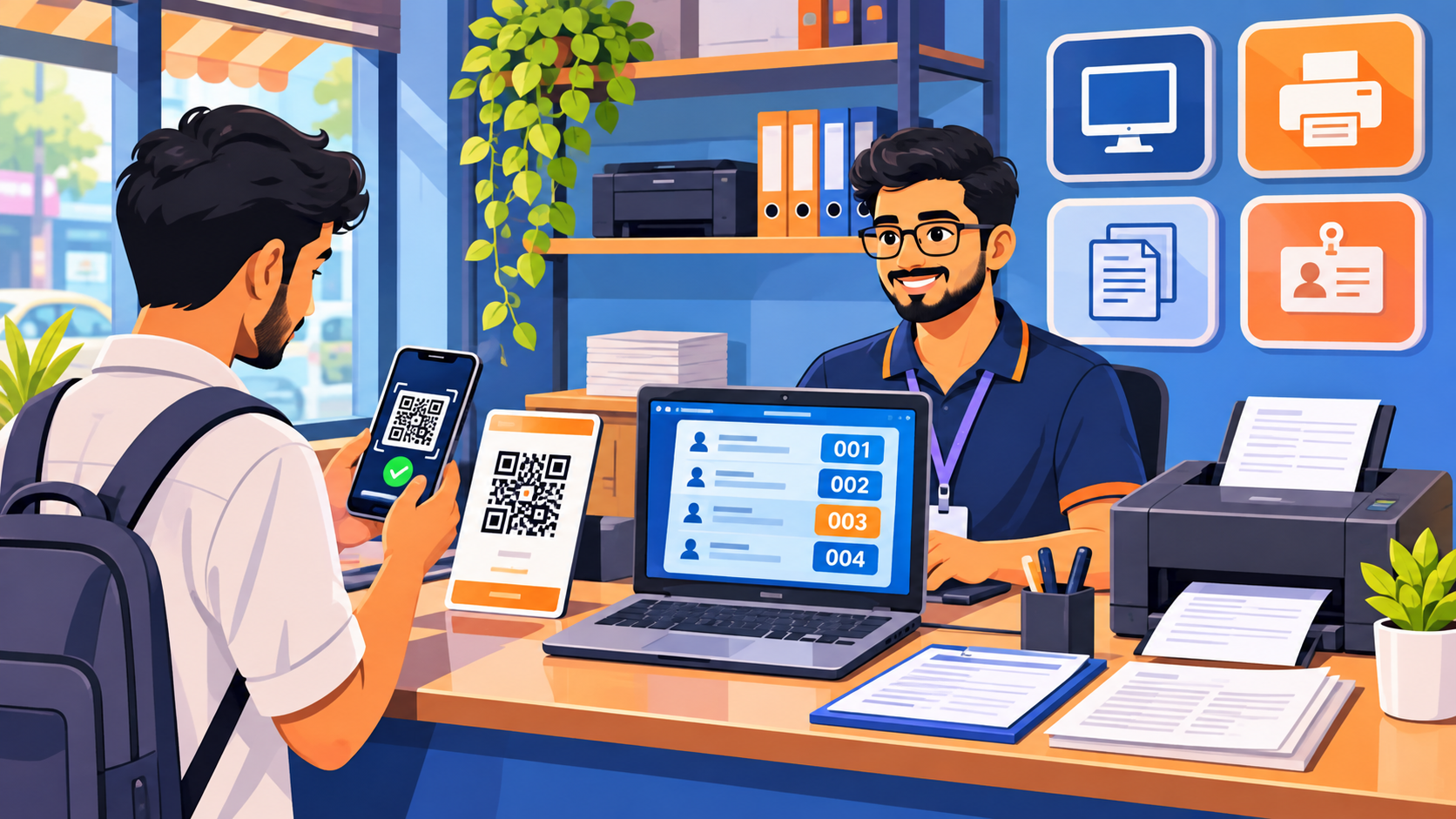
Ten years ago, a cyber cafe was where a town went online. Today almost everyone has a smartphone and cheap data, and many shop owners say the same thing: fewer walk-ins, lower earnings, and rising rent. If you run a cyber cafe or a digital service shop, you have probably asked yourself whether the business still has a future.
It does, but not in the form it had before. The shops that are doing well have stopped selling "computer time" and started selling help, speed and trust. This guide explains why the old model is struggling, what the shops that survive do differently, and ten practical ways to grow yours. There is also a free calculator to find your break-even point.
Why many cyber cafes are struggling today
1. Smartphones replaced the basic internet visit
People no longer need a shop just to get online. Local reports from cities such as Pune describe cafes whose regular customers now mostly come only for application and exam forms, because browsing, email and video can be done on a phone.
2. Many services moved to apps and portals
Tickets, bill payments, banking, DigiLocker and many government services can be done from a phone. A customer who is comfortable with technology does not come to you any more. The customers who still do are the ones who need help, so the value you sell is help.
3. Printing and photocopy margins are thin
Competition from stationery shops, home printers and online print services pushes the price of a page down, while paper, toner and electricity cost the same or more. A shop that lives mainly on prints and photocopies earns little per customer.
4. Disorganised work wastes the hours you do have
Documents arrive on WhatsApp, forms are retyped for every customer, and queues are managed on paper slips. This is not a demand problem, it is a time problem. Every minute spent searching a chat for an Aadhaar photo is a minute you are not serving the next customer.
5. More competition for the same help-seeking customers
Common Service Centres (CSCs), online service providers and other small shops now offer the same form and document services. One widely quoted op-ed puts CSC growth at hundreds of thousands of centres across India in the last decade. Competing on being "the only one" no longer works.
6. No repeat-customer system
Most shops do not remember who came last month or what they needed. A returning customer is treated like a stranger, and nobody is reminded about a renewal or the next exam form.
7. Fixed costs without a plan
Rent, electricity, internet and staff are the same whether you serve 10 customers or 40. If you do not know how many customers you need each day to break even, you cannot tell whether a slow week is a warning or just a slow week. Use the calculator below to find out.
10 practical ways to grow your cyber cafe
- Specialise in forms people struggle with. Exam applications, scholarships, state scheme forms, college admissions and job applications are repeated every year. Become the place that does them correctly and quickly.
- Offer a clear rate card. Put a printed or digital list of services and prices at the counter. Visible prices build trust and reduce arguments.
- Add services that bring repeat visits. Passport-size photos, resume making, PDF editing, document scanning and lamination, typing and translation, and help with online applications.
- Become a trusted facilitator, not a middleman. Guide customers through official portals without bypassing any rule. If you handle a government service that needs authorisation (for example Aadhaar enrolment or PAN agency work), only do it if you hold the proper licence or tie-up.
- Consider a CSC franchise. A CSC registration gives access to a range of government-to-citizen services. Check the current requirements on the official CSC portal before applying.
- Use a token system. Give each customer a token and let them wait outside or come back. A queue that looks organised makes people more willing to wait.
- Take documents on the customer's phone, not your WhatsApp. A QR code at the counter lets customers upload their own documents. Your staff always find files in one place, and you stop holding private data in a personal chat.
- Save customer details once. Keep name, date of birth, address and education in one place so you never ask or type them twice.
- Be easy to find online. Create a Google Business Profile with your address, hours, phone number and services, and ask happy customers for reviews. Many people search "cyber cafe near me" or "form fill up near me".
- Partner with others. Tie up with local coaching centres, schools, colleges and small businesses who need forms, printing or paperwork done regularly. A few regular partners can cover a large share of your fixed costs.
CyberCafe: software built for shops like yours
Disclosure: CyberCafe is our own product, built by Tara's Digital.
QR document drop, a live token queue, a customer database, form autofill through a Chrome extension, and browser-based PDF and photo tools. Free to start, with no credit card.
See how CyberCafe worksFree tool: cyber cafe break-even calculator
How many customers do you need each day? Fill in your numbers. Nothing leaves your browser.
"Profit per customer" is what you earn on an average job after paper, ink and other direct costs, not the bill amount. This is a simple estimate for planning only.
Which services can you add?
| Service | Why it helps | Check before you start |
|---|---|---|
| Exam, scholarship and job forms | Repeated every year and brings regular customers | Learn the portals, avoid mistakes in names and dates |
| Passport photos and print sheets | Quick, low cost, high repeat | Follow the size rules for each application |
| PDF merge, compress to KB limit, scan | Needed for almost every online form | Handle documents privately, delete files after use |
| Resume and typing work | Students and job seekers need it often | Offer fixed package prices |
| Online application help (state schemes) | Customers trust a local shop | Never promise approval, use official portals only |
| CSC services | Wider list of government services | Registration and rules on the official CSC portal |
| Referrals (GST, Udyam, insurance) | Extra income without doing the full work | Use licensed partners and be clear about commissions |
Shop upgrade checklist
0 of 8 done
A note on customer documents
Aadhaar, PAN, marksheets and photos are sensitive. Do not keep customers' documents on a shared computer or in chats for months. Delete files once the job is done, do not share them with anyone, and keep your computer protected with a password. Customers notice, and word spreads in a small town.
Spend less time on paperwork, more on customers
Set up your shop on CyberCafe in about two minutes: put up a QR code, save customers once, and autofill forms with the Chrome extension.
Try CyberCafe freeFrequently asked questions
Is the cyber cafe business still profitable in India?
It can be, but usually not as a "browsing and printing" shop. Shops that focus on forms, documents and trusted help, and that keep costs under control, are in a better position. Your own numbers matter most, so use the calculator above.
How many customers do I need per day to break even?
Add your rent, electricity, internet, staff and other monthly costs, then divide by your average profit per customer and by the days you are open. The calculator above does this for you.
Should I take a CSC franchise?
It can widen your services and bring regular customers, but it also has requirements and rules. Read the conditions on the official CSC portal and talk to owners of existing CSCs before deciding.
How can I stop losing customers' documents in WhatsApp?
Use a QR code at the counter so customers upload documents themselves into one shop account, with automatic deletion after a set time. CyberCafe does this out of the box.
What does CyberCafe cost?
CyberCafe is free to start, with no credit card needed. Paid plans may be added later; check the product page for the latest information.
Does form autofill bypass captcha or OTP?
No. The CyberCafe extension only fills in the saved customer details. Captcha, OTP and payment are always completed by your staff.
Comments
No comments yet. Be the first to share your thoughts.
Leave a Comment
Related Posts

Diwali 2026 Website Deals: Domain, Hosting and Business Email for Your Business (BigRock Buying Guide)
Planning to launch your business website this Diwali? See what to buy, how to compare domain, hosting and email deals, and check BigRock’s live offers. Free 3-year cost calculator inside.
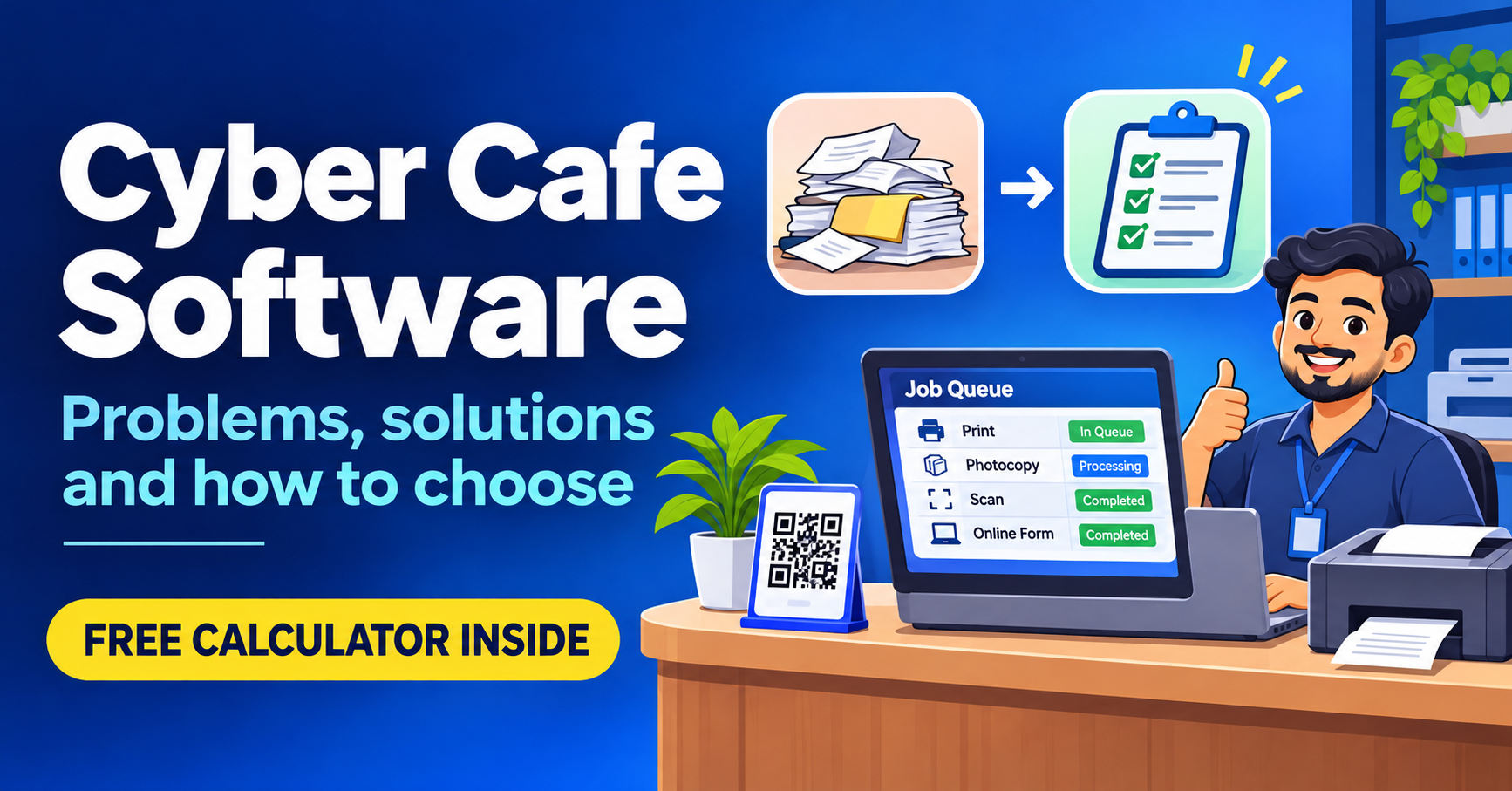
Cyber Cafe Management Software in India (2026): Common Problems, Solutions and How to Choose
Struggling with lost documents, repeated typing and queue fights? See the 6 biggest cyber cafe problems, how to fix them, and how to choose management software. Free calculator inside.

Best Web Hosting Services in India (2026): Comparison for Small Businesses
Compare the best web hosting services in India for 2026: Hostinger, MilesWeb, Cloudways, Bluehost, GoDaddy and more. Includes a hosting finder and a 3-year cost calculator.
Need a system like this for your business?
Tell us what you're working with today and we'll show you what a custom system could look like — no obligation.