
How to Withdraw PF Online in 2026: Step-by-Step Guide with the New Rules
Your Provident Fund is likely the biggest long-term saving you have, and withdrawing it should take a few minutes on your phone, not weeks of running between offices. In 2026 the process is fully online. But claims still get rejected or delayed for the same few reasons: a mismatched name, an unlinked bank account, or an inactive UAN.
This guide walks you through every step of an online EPF withdrawal, explains which claim form to pick, covers the TDS rules, and summarises the new withdrawal rules that have been reported this year. At the end there is a free estimator and a readiness checklist you can use before you file.
Before you start: what you need
- An active UAN (Universal Account Number) and its password.
- A mobile number linked to Aadhaar. The OTP goes to this number, so it must be working.
- Verified KYC: Aadhaar, PAN and bank account (with IFSC) seeded against your UAN.
- A cancelled cheque or passbook image may be asked for if your bank details are not already verified.
- Date of exit from your last employer, updated by that employer. If it is blank, a final settlement claim cannot be filed.
How to withdraw PF online: step by step
- Log in to the Member Portal. Open the EPFO Unified Member Portal, enter your UAN, password and captcha. If you have not activated your UAN yet, use the Activate UAN option first.
- Check your KYC. Go to Manage → KYC and confirm that Aadhaar, PAN and bank account all show as verified. Fix anything marked pending before you go further.
- Check your profile. Under View → Profile and Service History, confirm that your name, date of birth and date of exit match your documents. Name or date-of-birth mismatches are the most common reason for rejection.
- Open the claim page. Go to Online Services → Claim (Form-31, 19, 10C). The portal shows your details and asks you to verify the last four digits of your bank account.
- Choose the claim type. Select one of: full EPF settlement (Form 19), pension withdrawal (Form 10C), or PF advance / partial withdrawal (Form 31). More on this in the next section.
- Enter the reason and address. For an advance, pick the purpose (for example illness, marriage, education or housing) and enter your current address. Accept the certificate of undertaking.
- Verify with Aadhaar OTP. Enter the OTP received on your Aadhaar-linked mobile and submit.
- Track your claim. Use Online Services → Track Claim Status. Your claim number and status are shown there. Keep the claim number safe.
Which claim form should you choose?
| Form | Used for | Typical situation |
|---|---|---|
| Form 19 | Final PF settlement | You have left your job and want to close the PF balance |
| Form 10C | Pension (EPS) withdrawal benefit or scheme certificate | You are leaving and have not completed the pension service period |
| Form 31 | PF advance / partial withdrawal | You are still employed and need money for a specific purpose |
On the online portal these are combined in one composite claim, so you do not file separate paper forms. If you are leaving employment and are eligible, you can usually claim PF and pension together in the same session.
The new withdrawal rules: what has been reported
| Area | Earlier practice | What has been reported |
|---|---|---|
| Minimum balance | Full balance could be withdrawn on eligibility | A minimum of about 25% of the balance is to be kept in the account, with up to 75% withdrawable in the early period after exit |
| Final settlement after leaving a job | Allowed after 2 months without employment | Reported to move to 12 months for the full final settlement |
| Pension (EPS) withdrawal | Allowed after 2 months | Reported to be tied to a longer wait (36 months in one report) |
| Auto-settlement of claims | Limit of ₹1 lakh | Limit raised to ₹5 lakh, so more claims are paid without manual checking |
| UPI / ATM withdrawal | Not available | Announced as part of EPFO 3.0, but no confirmed launch or limits yet. Do not rely on it for now |
Where the reports differ: some say you can claim 75% almost immediately after losing your job, others say after one month of unemployment. This is exactly why you should read the rule on the portal at the time you apply. The estimator below uses a one-month cut-off and tells you plainly that it is an estimate.
Separately, the PF wage ceiling is also under discussion. If you want to see how that changes your monthly contribution, read our guide: EPF wage ceiling ₹25,000: new PF rules, old vs new calculation.
TDS on PF withdrawal
Tax on an EPF withdrawal depends on how long you have been in continuous service:
- 5 years or more of continuous service: the withdrawal is generally tax-free.
- Less than 5 years, amount above ₹50,000: TDS is deducted, at 10% if your PAN is on record, and at a higher rate (20%) if it is not.
- Below ₹50,000: no TDS is deducted, though the amount may still be taxable income.
- Form 15G / 15H: if your total income is below the taxable limit, you can submit these with the claim to avoid TDS. Applicability depends on your age and income.
Service with earlier employers counts if your PF was transferred to your current UAN, which is one more reason to transfer old accounts before you claim.
Free tool: PF withdrawal estimator
Estimate how much you may be able to withdraw. Nothing you enter leaves your browser.
Estimate only, based on reported rules (75% claim after one month of unemployment, full settlement after 12 months, 25% kept in between). For a PF advance the allowed amount depends on the purpose and your contributions, so the tool shows a ceiling of 75%. The portal's figure is the final word.
Readiness checklist
0 of 8 done
Common reasons a claim is rejected (and the fix)
| Problem | Fix |
|---|---|
| Name or date of birth mismatch between UAN and Aadhaar | Request a joint declaration through the portal, or correct the record at the source |
| Bank account not verified | Re-add the account in KYC with the correct IFSC, and wait for approval |
| No date of exit | Ask your last employer to update it, or use the portal option to mark it yourself where available |
| Aadhaar not linked to a mobile number | Update your mobile at an Aadhaar centre before filing |
| Wrong claim type selected | Cancel the pending claim if the portal allows, or contact EPFO and refile |
| Duplicate or old accounts | Transfer the balance to your current UAN first, then claim |
How long does it take?
With complete KYC, claims within the auto-settlement limit are often processed within a few working days, and the money is credited to the bank account you verified. Claims that need manual checking, or that have a mismatch, take longer. You can follow progress under Track Claim Status. If a claim stays pending far beyond that, you can raise a grievance on the EPFiGMS portal or contact the regional office.
Frequently asked questions
Do I need my employer's approval to withdraw PF online?
If your Aadhaar, bank account and PAN are verified (seeded) against your UAN, most online claims do not need employer attestation. If your KYC is not fully seeded, the employer may need to approve it.
Can I withdraw PF while I am still working?
Only as an advance (Form 31) for specific purposes such as illness, marriage, education or housing, subject to the conditions for each. Full settlement is for people who have left their job.
Can I withdraw PF through UPI or an ATM?
EPFO 3.0 plans include UPI and ATM access, but as of now there is no confirmed launch date or official limit that we could verify. Use the Member Portal or the UMANG app, which are the official channels.
What is the difference between Form 19 and Form 10C?
Form 19 settles your provident fund balance. Form 10C relates to your pension (EPS) benefit. On the online portal they are part of the same composite claim.
Is the PF withdrawal taxable?
Not if you have completed five years of continuous service. Below five years, TDS can apply to amounts above ₹50,000, as described in the TDS section above.
Can I track my claim?
Yes. Log in and use Online Services → Track Claim Status.
Should I withdraw PF when I change jobs?
For most people, transferring the account to the new employer is better. It keeps your service continuous, keeps your PF growing at the declared rate, and avoids tax on early withdrawal.
Official links
Comments
No comments yet. Be the first to share your thoughts.
Leave a Comment
Related Posts
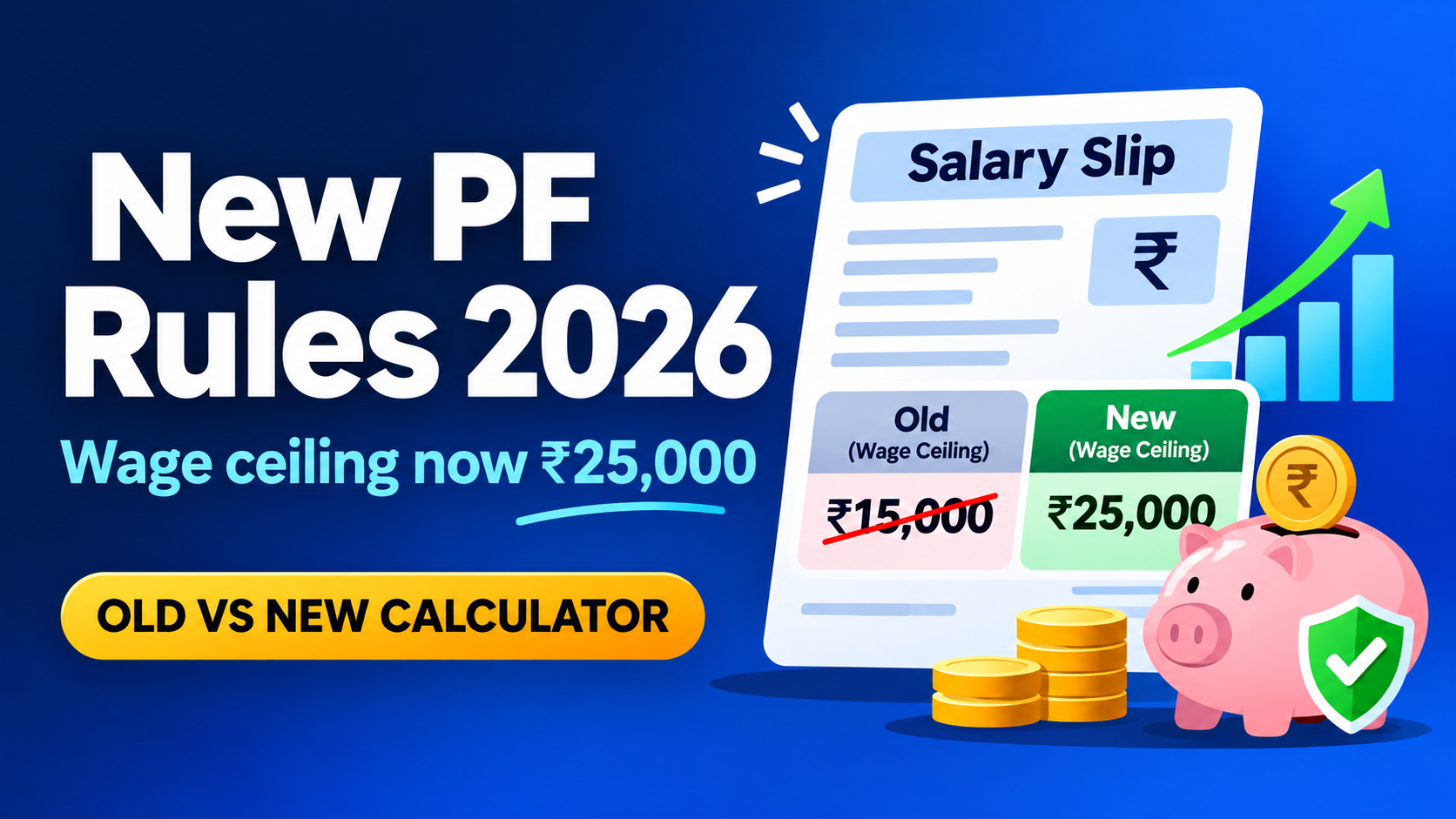
New PF Rules 2026: EPF Wage Ceiling Raised to ₹25,000 (Old vs New Calculation)
EPF wage ceiling raised from ₹15,000 to ₹25,000 from 17 Sept 2026. See who is affected, the old vs. new PF calculation, and use our free PF calculator.
Need a system like this for your business?
Tell us what you're working with today and we'll show you what a custom system could look like — no obligation.