How to Start a Cyber Cafe in India: Cost, License and Setup
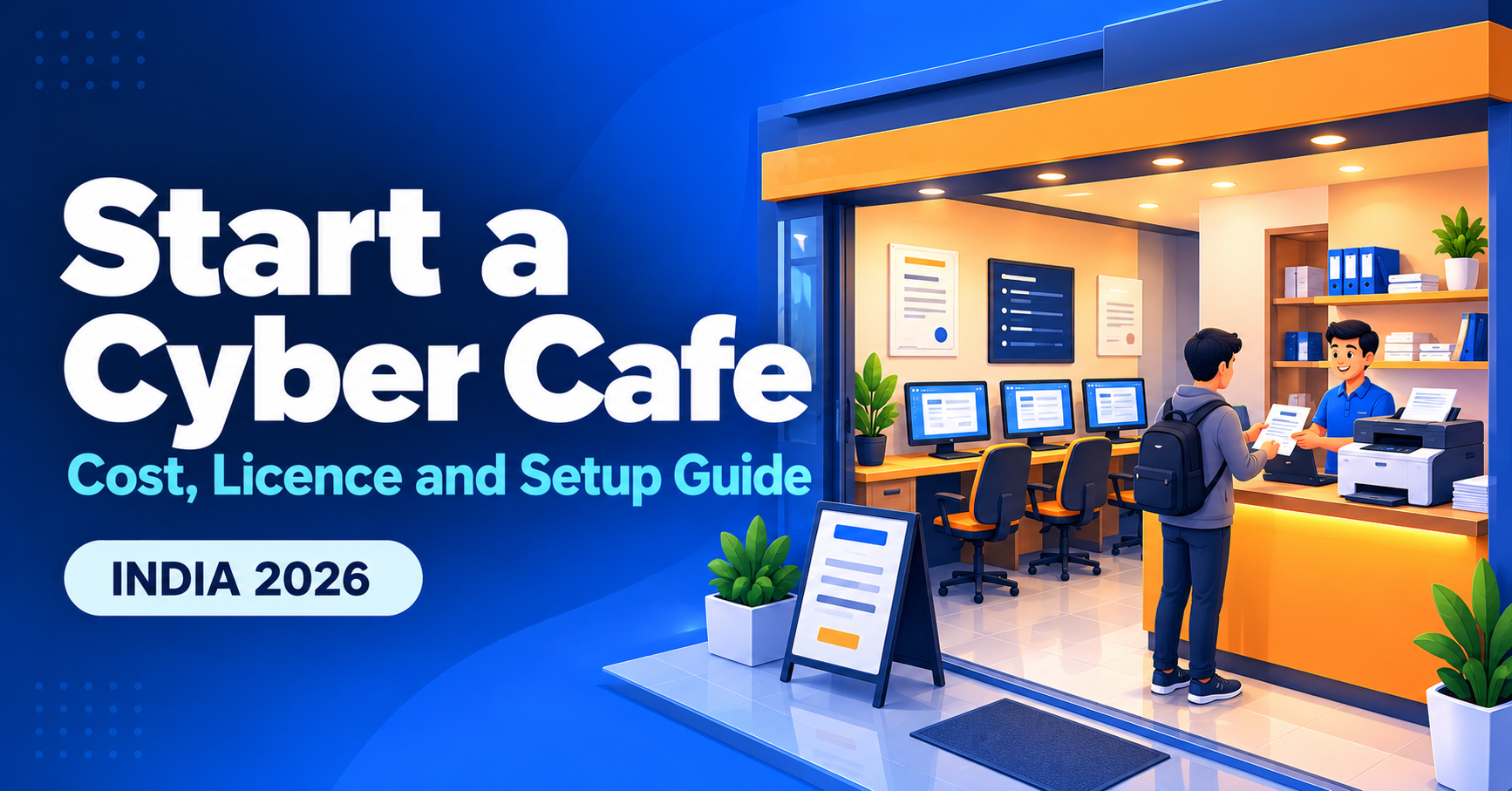
A cyber cafe is one of the most practical small businesses in India: low entry cost, steady demand for printing, form filling and document work, and room to add services over time. This guide covers the cost, the registrations to check, the equipment you need and a step-by-step setup plan. Use the calculator to build your own budget.
What does a cyber cafe earn from?
Print and copy
Printouts, photocopies, scanning and lamination bring steady daily footfall.
Online forms
Exam, job, scholarship and government forms are filled for customers who need help.
Browsing and typing
Paid computer and internet time for students and travellers.
Startup cost: what to budget for
Costs depend on your city, shop size and equipment, so treat these as planning ranges rather than quotes.
| Item | What it covers | Typical budget |
|---|---|---|
| Computers | 4 to 8 desktops or laptops | ₹25,000–₹45,000 each |
| Printer, scanner, webcam | A laser or multifunction printer is the workhorse | ₹15,000–₹40,000 |
| Furniture and fit-out | Counters, chairs, lights, fans or AC | ₹40,000–₹1,50,000 |
| Internet and networking | Broadband, router, cabling, UPS | ₹10,000–₹30,000 setup |
| Rent deposit | Depends on the area | 2–3 months of rent |
| Registrations and branding | Shop registration, signboard | ₹10,000–₹30,000 |
| Working capital | Paper, ink and your first months of running costs | ₹40,000–₹80,000 |
Startup budget calculator
Edit the numbers to match your plan.
Licences and registrations to check
Rules differ by state and city, so confirm each item with your local office before you invest.
| Requirement | Why it matters |
|---|---|
| Shop and Establishment registration | Local registration for commercial shops |
| Cyber cafe rules (IT Rules, 2011) | These require ID checks and a user log for cyber cafes. Registration may be required, depending on your state. |
| Udyam (MSME) registration | Free and useful for loans. See our Udyam guide. |
| GST registration | Needed once you cross the turnover limit. See our GST guide. |
| Commercial electricity and trade licence | Often needed for a commercial premises |
Setup in 6 steps
- Pick the location. Near a school, college, market or government office gives the best footfall.
- Register the business and collect the licences above.
- Buy and install equipment, with a reliable broadband line and a power backup.
- Set your price list for printing, forms and computer time.
- Choose how to run it. A token queue and saved customer details save hours. See CyberCafe, our shop management software.
- Launch and promote with a clear signboard, a Google Business profile and word of mouth.
Frequently asked questions
How much money do I need to start?
A small cafe can start with a budget in the range of a few lakh rupees, depending on location and equipment. Use the calculator above for your own plan.
Do I need a licence?
Usually you need shop registration, and many states have extra rules for cyber cafes. Check with your local authority.
How do I keep documents and records organised?
Avoid keeping customer files in personal chat apps. Use shop software that stores documents privately and deletes them on a schedule.
Run your cyber cafe without the chaos
CyberCafe gives you a QR document drop, a live token queue and one-click form autofill. It is free to start.
See CyberCafe →Also read: 10 services to add to your cyber cafe.
This article is general information, not legal or financial advice. Costs and rules vary by location and change over time, so confirm them locally.
Comments
No comments yet. Be the first to share your thoughts.
Leave a Comment
Related Posts
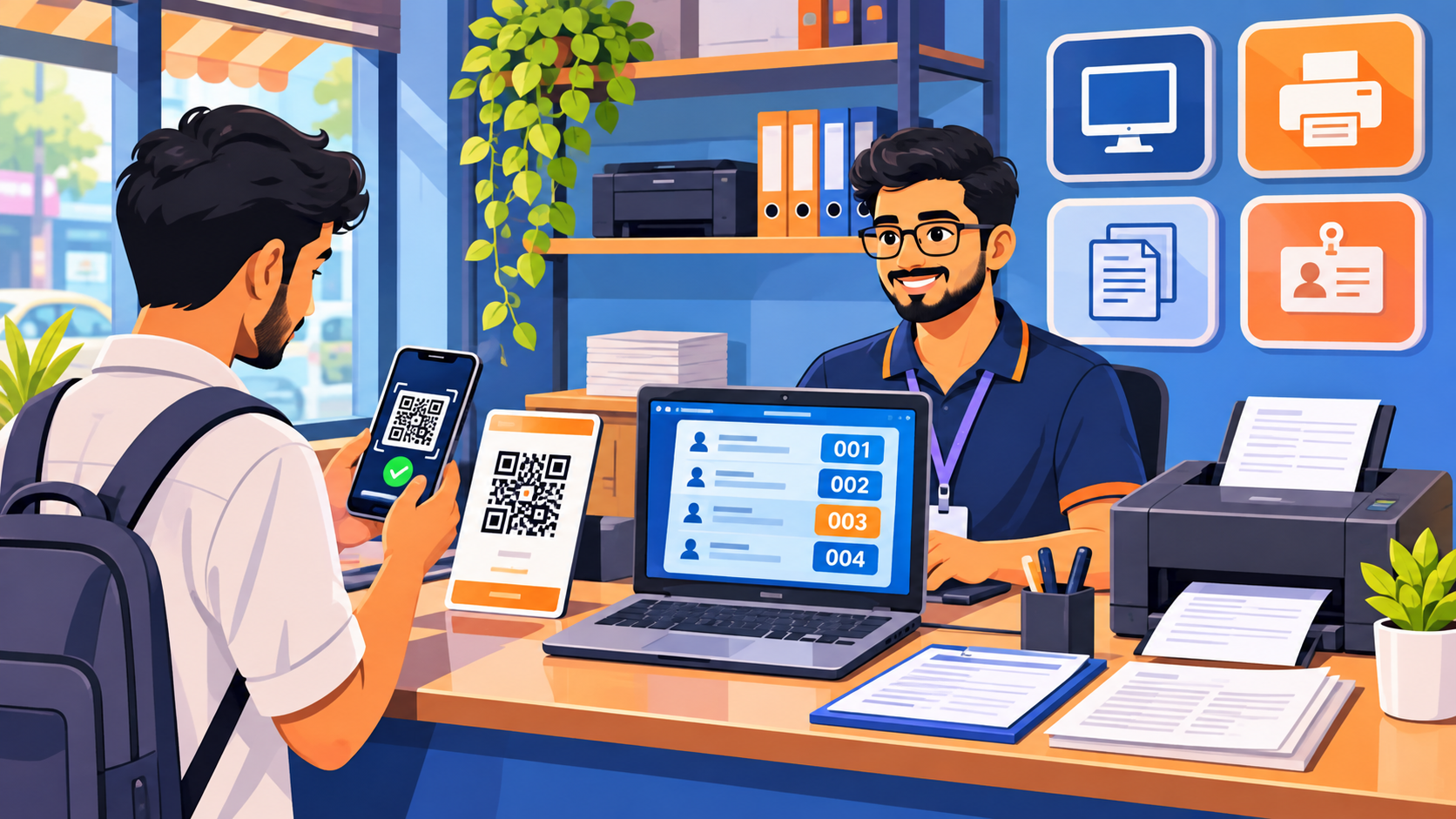
Why Cyber Cafes Are Struggling in 2026 (and 10 Ways to Grow Yours)
Why is the cyber cafe business struggling in India? Learn the real reasons, 10 practical ways to grow, a free break-even calculator and a tool to run your shop.

Diwali 2026 Website Deals: Domain, Hosting and Business Email for Your Business (BigRock Buying Guide)
Planning to launch your business website this Diwali? See what to buy, how to compare domain, hosting and email deals, and check BigRock’s live offers. Free 3-year cost calculator inside.
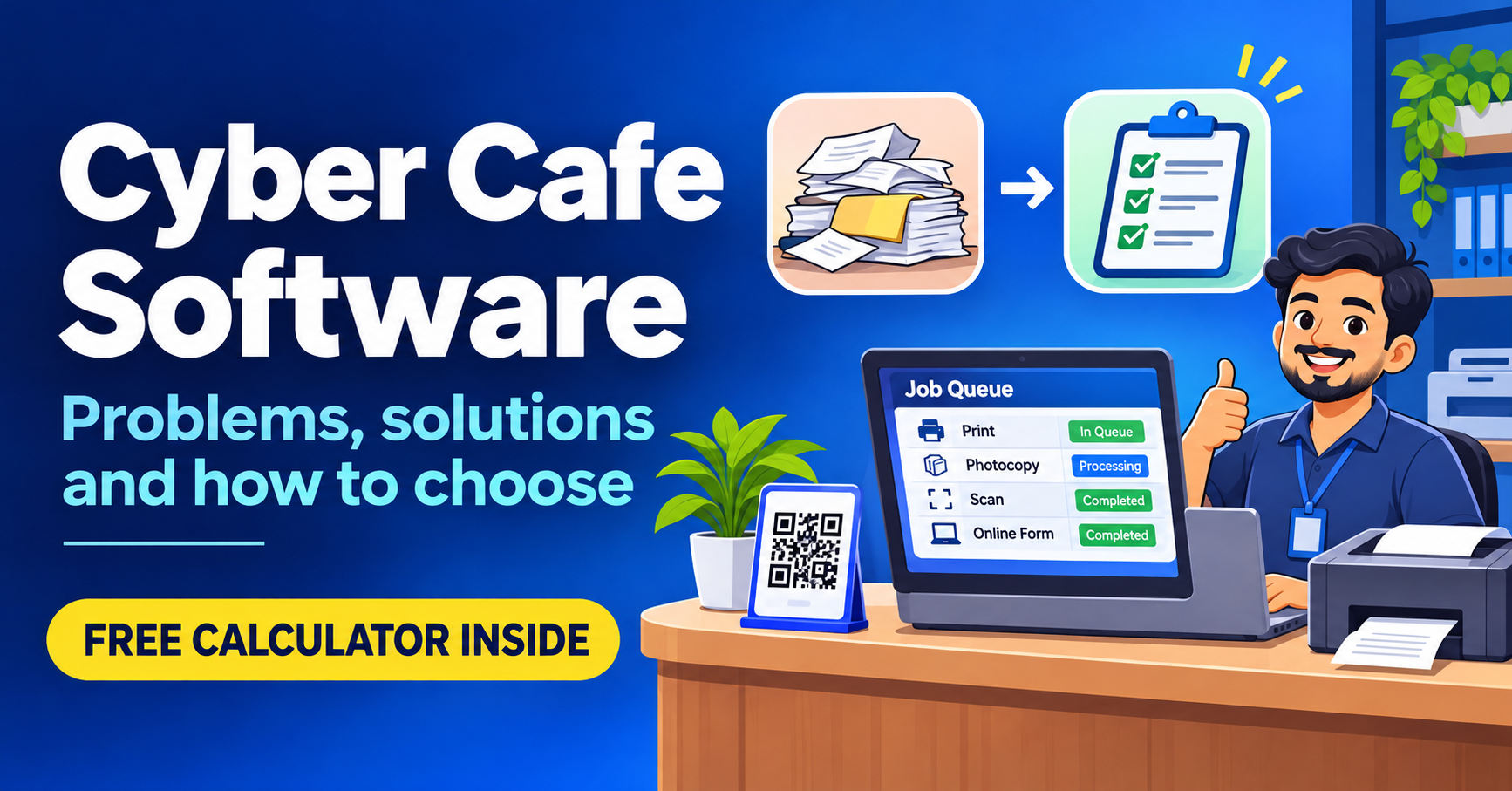
Cyber Cafe Management Software in India (2026): Common Problems, Solutions and How to Choose
Struggling with lost documents, repeated typing and queue fights? See the 6 biggest cyber cafe problems, how to fix them, and how to choose management software. Free calculator inside.
Need a system like this for your business?
Tell us what you're working with today and we'll show you what a custom system could look like — no obligation.