How to Run a Cyber Cafe Without the WhatsApp Chaos
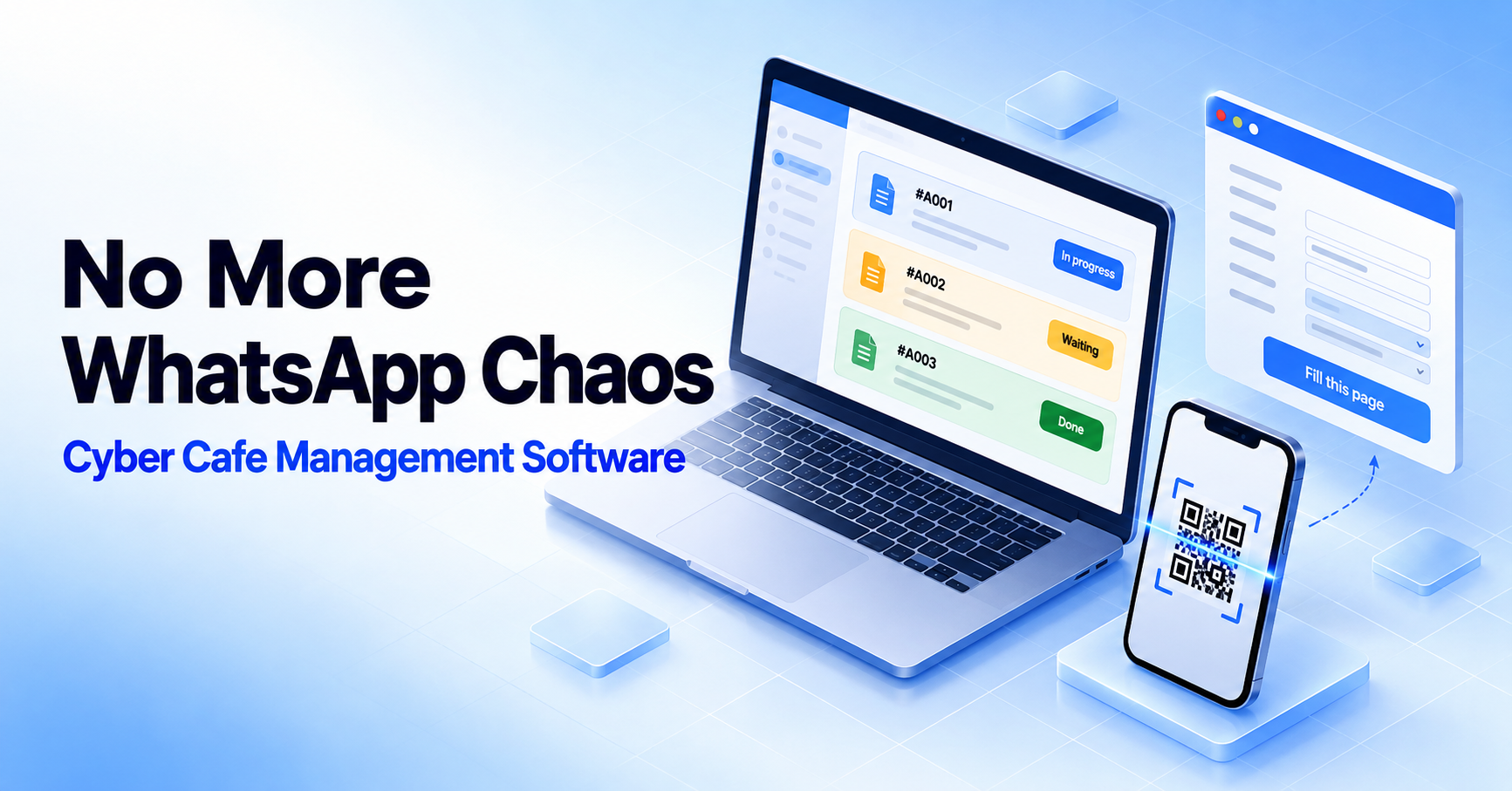
Picture a busy Saturday at the counter. Six customers are waiting. One needs a printout, another needs a scholarship form filled in, and a third is holding up their phone saying, "I sent you the documents on WhatsApp — please check." You scroll through a chat with hundreds of unread messages, hunting for one marksheet photo while the queue grows.
If you run a cyber cafe or a digital service shop, you probably do not have to imagine it. The work itself is not the hard part — printing, scanning and form fill-ups are things your team already does well. The hard part is everything around the work: finding documents, typing the same details again and again, and keeping track of who is next.
This guide looks at where the time really goes, what to look for in cyber cafe management software, and how CyberCafe — a SaaS product built by Tara's Digital for exactly this kind of shop — handles each problem.
Where a cyber cafe's time really goes
Most shops lose time in the same four places:
Documents scattered across WhatsApp. Customers send files to your personal number, so work files, family messages and customer documents all share one chat list. Finding a particular file later can take minutes you do not have.
Re-typing the same details. Father's name, address, date of birth, qualification — typed fresh into every form, for every returning customer. It is slow, and a single spelling slip can mean a rejected application.
Paper tokens that break down. A paper slip works until two customers arrive together or a slip goes missing. Then it is guesswork who was first.
No memory of past visits. When a regular comes back for "just one more form," there is no record of what you did for them last time.
None of these is dramatic on its own. Together they decide how many customers you can serve in a day — and how many leave frustrated.
What to look for in cyber cafe management software
Software built for a large enterprise will not survive at a busy counter. Before you choose any tool, check it against these questions:
Is it fast at the counter? Updating a job should take a couple of taps, not a form with twelve fields.
Does it take documents off your personal phone? Customers should be able to upload files without messaging you.
Does it remember customers? Details should be entered once and reused.
Can staff use it without sharing your login? Each person needs their own access.
Does it respect privacy? You should control how long customer files are kept.
Is it easy to start? No long setup, and no expensive licence before you know it works for your shop.
Meet CyberCafe: shop management built for how you actually work
CyberCafe is shop management software for Indian cyber cafes and digital service shops. Instead of a dozen features you will never open, it focuses on the six things you touch every day. It is free to start, needs no credit card, and takes about two minutes to set up.
QR document drop
Put a QR code at your counter. Customers scan it, upload their documents straight from their own phone, and receive a token number. The files land in your shop account — not in your personal WhatsApp — so anyone on your team can find them.
Live token queue
Every job appears in one queue: waiting, in progress or done. You can serve customers in order, change a job's status in two taps, and collect payment at the counter. When two customers walk in together, there is no argument about who came first.
Customer master
Save a customer's details once — your staff can enter them, or the customer can — and they are there the next time that person walks in. No re-asking, no re-typing, and a clear record of your repeat customers.
Chrome extension autofill
This is the feature many shop owners will appreciate most. Once a customer's details are in the Customer Master, open a government, exam or college form and click once: the extension fills in the name, father's name, date of birth, address and more, exactly as they were saved.
If the extension has not seen a particular form before, Learn Mode lets your staff teach it the fields in under a minute, and every customer after that fills automatically. Captcha, OTP and payment are always left for your staff to complete — autofill only enters information the customer has already given you.
Free document and photo tools
Merge or split PDFs, make passport photos with print sheets, compress an image to an exact KB limit for a form upload, or convert Word to PDF. These tools run entirely in your browser, so files are never uploaded anywhere — useful when you are handling sensitive documents.
Staff logins and privacy controls
Add as many staff accounts as you need, each with their own password, so you never have to share your owner login. In Settings, choose how long customer files are kept — 24 hours, 48 hours or 7 days — after which they are deleted automatically. Files are stored privately against your shop account, and nothing is shared between shops.
A day at the counter: before and after
Here is how a typical customer visit changes.
Before:
The customer sends documents to your WhatsApp, and you search the chat to find them.
You type their details into the form from scratch.
A paper slip tells them they are "next."
Next month, you start again from zero.
With CyberCafe:
The customer scans your QR code, uploads their documents and gets a token.
Their details are already in the Customer Master, or you save them once during this visit.
One click autofills the form; your staff checks it and completes the captcha, OTP and payment.
The job moves across the queue — and next month, the customer is already on file.
Get started in four steps
Register your shop. It is free, takes about two minutes, and needs no credit card.
Put up your QR code. Customers scan it, upload documents and get a token number.
Save customers once. Capture names, date of birth, address and education a single time.
Install the Chrome extension. Autofill your forms in one click, every time.
Quick wins you can use today, with or without software
Keep customer documents out of your personal chats. Even a dedicated shop phone is better than mixing everything together.
Decide how long you keep customer files and delete them on schedule. Holding documents indefinitely is a privacy risk.
Record customer details in one consistent format — the same date format and the same spelling of names — so forms match every time.
Give each staff member their own access instead of sharing one login.
Frequently asked questions
Is CyberCafe really free?
Yes. CyberCafe is free to use while the platform is being built out. You can register your shop, add staff and start taking customers without entering a card.
Does the Chrome extension work on any website?
It is built to work on any form — government portals, exam applications and college admissions. When it meets a form it has not seen before, Learn Mode lets your staff map the fields once, and every customer after that fills automatically.
What happens to customer files and documents?
Uploaded documents are stored privately against your shop account and deleted automatically after the retention window you choose in Settings: 24 hours, 48 hours or 7 days. Nothing is shared between shops.
Can I add staff accounts?
Yes. Add as many staff logins as you need. Each person has their own password and can work the queue and the Customer Master without using your owner login.
Try CyberCafe for your shop
If you are tired of hunting through chats and re-typing the same details, CyberCafe is built for you. Register your shop free and set up your first QR code in minutes, or read more on the CyberCafe product page.
Want a walkthrough, or have something your shop needs that is not covered here? Talk to our team — we are the people who built it.
CyberCafe is an independent software product from Tara's Digital. It is not affiliated with or endorsed by any government portal or authority; it only helps staff enter information that the customer has provided.
Comments
No comments yet. Be the first to share your thoughts.
Leave a Comment
Related Posts

Why Cyber Cafes Are Struggling in 2026 (and 10 Ways to Grow Yours)
Why is the cyber cafe business struggling in India? Learn the real reasons, 10 practical ways to grow, a free break-even calculator and a tool to run your shop.

Diwali 2026 Website Deals: Domain, Hosting and Business Email for Your Business (BigRock Buying Guide)
Planning to launch your business website this Diwali? See what to buy, how to compare domain, hosting and email deals, and check BigRock’s live offers. Free 3-year cost calculator inside.
Cyber Cafe Management Software in India (2026): Common Problems, Solutions and How to Choose
Struggling with lost documents, repeated typing and queue fights? See the 6 biggest cyber cafe problems, how to fix them, and how to choose management software. Free calculator inside.
Need a system like this for your business?
Tell us what you're working with today and we'll show you what a custom system could look like — no obligation.