How Small Businesses Can Use AI to Save Time (Practical Examples)
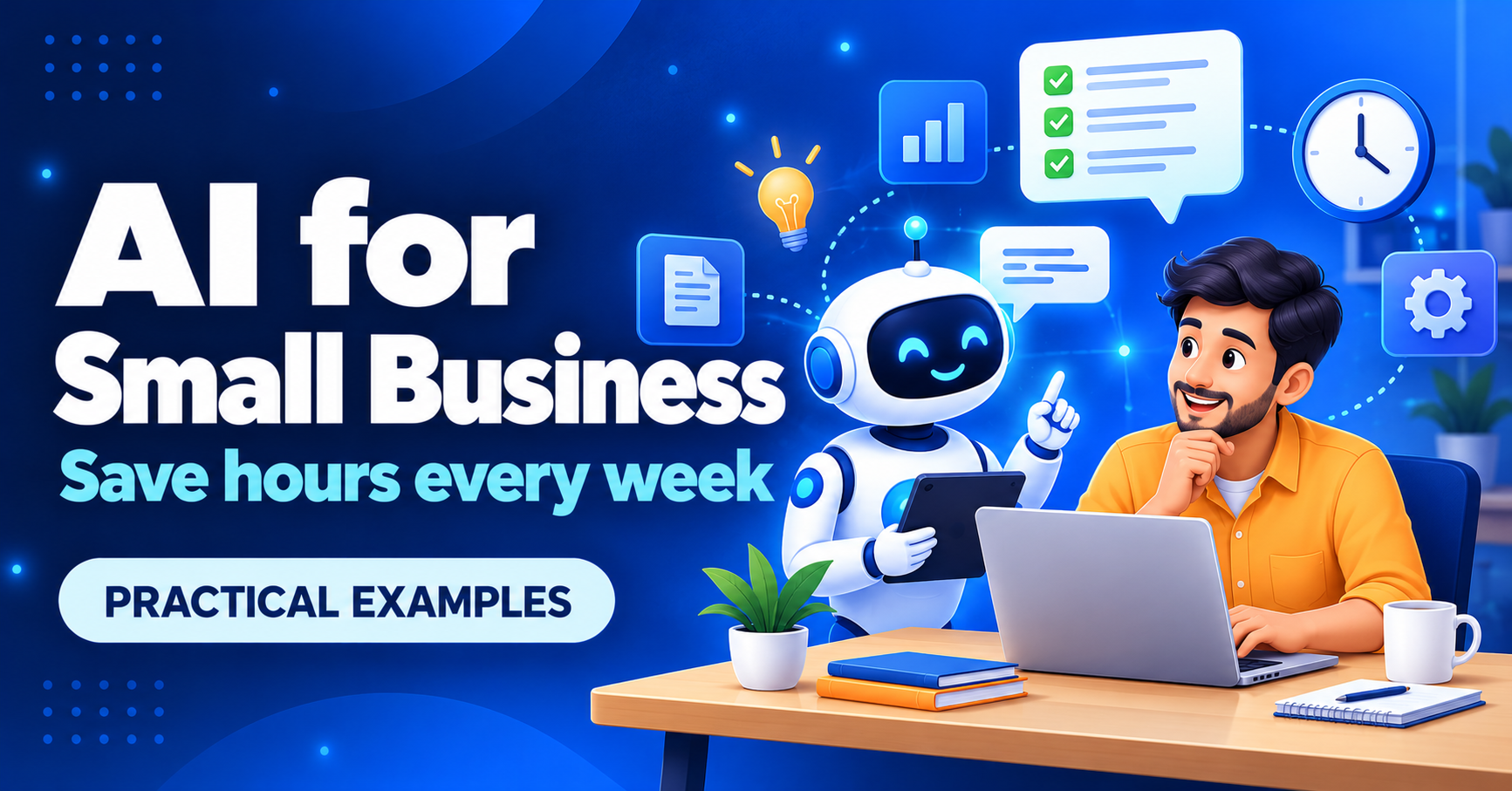
You do not need a big budget or a technical team to benefit from AI. Used well, AI tools can take over the repetitive parts of the day: first drafts, replies, summaries and basic analysis. This guide shows practical examples, how to get started safely and a calculator for the time you could save.
Where AI helps small businesses today
| Task | How AI helps | You still need to |
|---|---|---|
| Writing posts, emails and product descriptions | Creates a first draft in seconds | Edit for accuracy and your own voice |
| Customer replies | Suggests answers to common questions | Check tone and facts before sending |
| Meeting and call notes | Summarises long discussions into action points | Confirm important details |
| Spreadsheets and reports | Explains data, writes formulas and spots patterns | Verify the numbers |
| Translation | Converts content into regional languages | Have a native speaker review it |
| Research and ideas | Collects options and compares them quickly | Check sources |
| Image and design drafts | Makes banners, social graphics and mockups | Use only what you have rights to publish |
How much time could you save?
Time-savings calculator
Five practical ways to start this week
Draft your emails
Give the AI the key points and ask for a polite, short draft.
Prepare FAQ answers
List your top 10 customer questions and generate clear replies to reuse.
Plan social content
Ask for a month of post ideas based on your services.
Summarise notes
Turn a long chat or meeting into a short list of actions.
Understand your data
Paste a table and ask what stands out.
When a ready-made AI tool is not enough
Generic tools are great for general tasks. When you need AI connected to your own data and workflow, such as answering customer questions from your product catalogue or automating a repeated process, a custom solution can work better. This is the kind of project we build at Tara's Digital.
Frequently asked questions
Do I need to know coding to use AI?
No. Most tools work by typing a request in plain language.
Will AI replace my staff?
For small businesses it is better seen as an assistant. It handles drafts and repetitive work so people spend time on customers and decisions.
Is it free?
Many tools have free plans. Paid plans add limits, speed and team features.
Want AI built into your business workflow?
We help small businesses automate repeated work with practical, affordable solutions.
Discuss your idea →Also read: 7 signs your business needs custom software.
Time and money savings shown by the calculator are estimates based on the numbers you enter, not guaranteed results.
Comments
No comments yet. Be the first to share your thoughts.
Leave a Comment
Related Posts

Why Cyber Cafes Are Struggling in 2026 (and 10 Ways to Grow Yours)
Why is the cyber cafe business struggling in India? Learn the real reasons, 10 practical ways to grow, a free break-even calculator and a tool to run your shop.

Diwali 2026 Website Deals: Domain, Hosting and Business Email for Your Business (BigRock Buying Guide)
Planning to launch your business website this Diwali? See what to buy, how to compare domain, hosting and email deals, and check BigRock’s live offers. Free 3-year cost calculator inside.
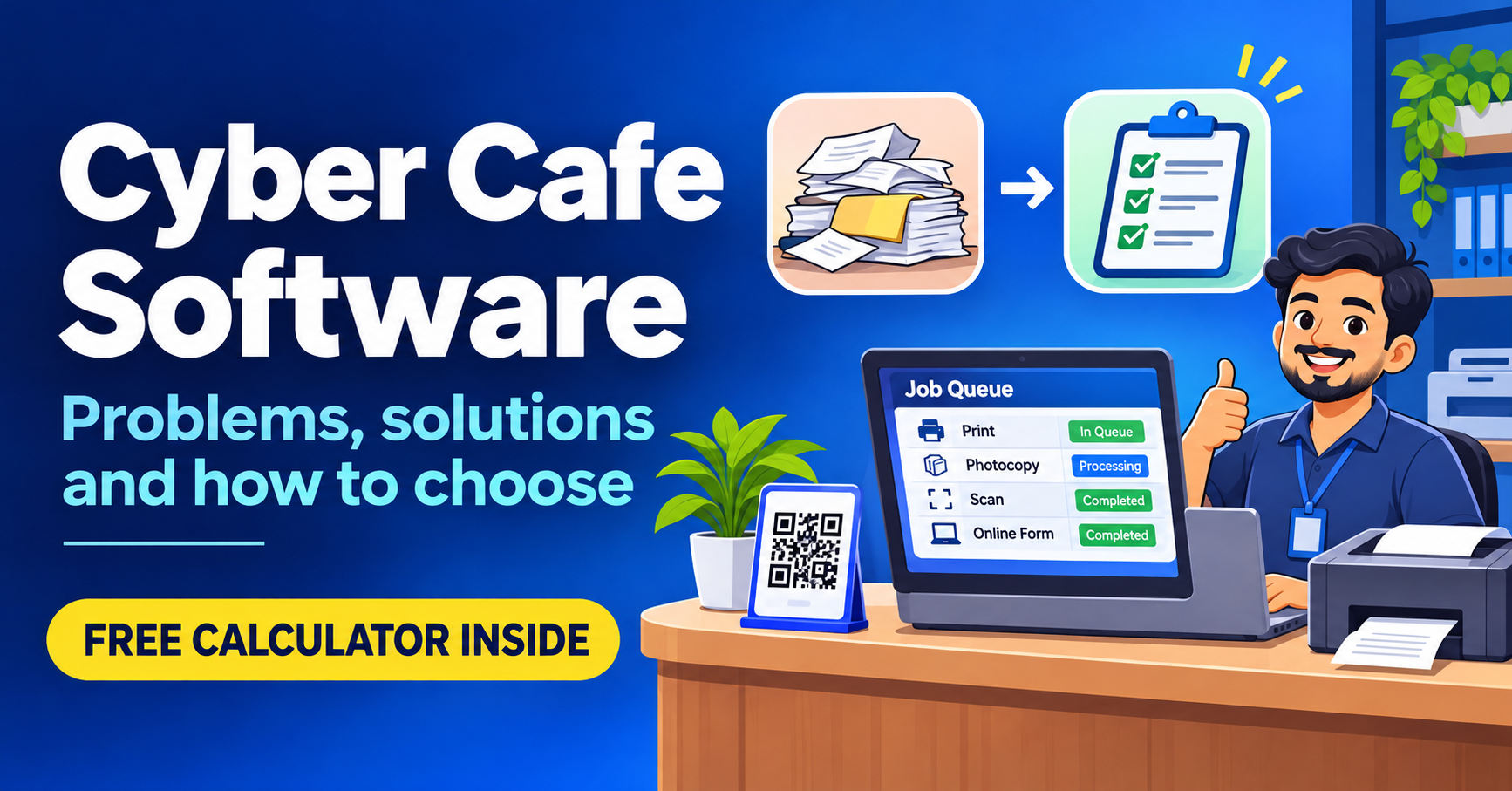
Cyber Cafe Management Software in India (2026): Common Problems, Solutions and How to Choose
Struggling with lost documents, repeated typing and queue fights? See the 6 biggest cyber cafe problems, how to fix them, and how to choose management software. Free calculator inside.
Need a system like this for your business?
Tell us what you're working with today and we'll show you what a custom system could look like — no obligation.